PvME · Writing for PvME
Map Generation
Guide credit
PvME
Written and kept up to date by the PvME community.
Everyone with a change to this guide in PvME's Git history, most changes first (7 changes):
- x222 · 5 changes
- Cris · 2 changes
- Chrash1 · 1 change
- Licence
- CC BY-NC-SA 4.0
- Permission
- Hosted here under CC BY-NC-SA 4.0, the licence PvME publishes. The site owner also says PvME's admins gave permission for wider reuse, in a direct conversation. No written record yet. Record
Every word matches PvME. Checked against the upstream source as of 2026-11-24. Open the source
Introduction
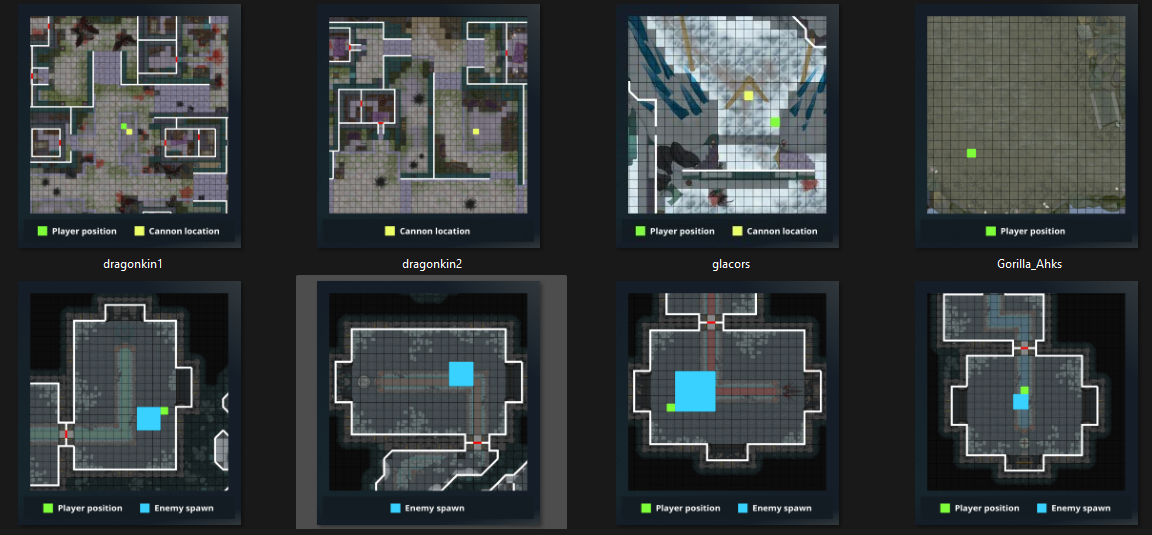
This guide will cover creating tile-based maps for our guides, such as the below examples:
Method 1: Creating using web app
Method 2: Creating via coding
Step 1
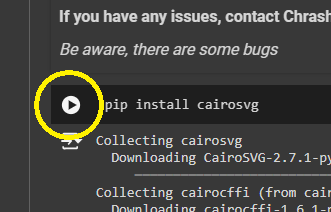
1.1 Run the first code section by clicking the first play button
Step 2
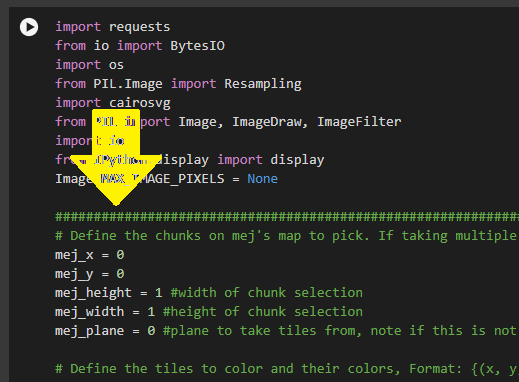
2.1. Scroll down to the second code section and edit the variables between the two lines of #########
Notes:
a. Check Referenced guide unavailable in this snapshot first for already created maps and variables sets to save you time
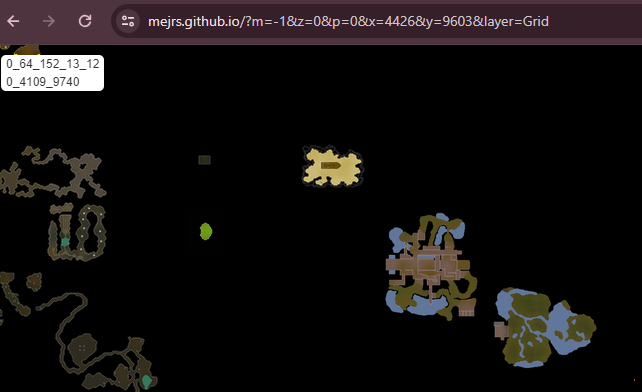
b. You can find map chunks by visiting https://mejrs.github.io/
⬩ Turn on the grid layer by hovering over the icon in the bottom-right
⬩ If you struggle to find a specific area the RS Wiki has a page listing common locations - simply replace the -1 in the mej URL to the corresponding map ID
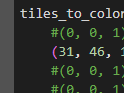
2.2. If unsure about the coloured tile markings, enter a number around where you think for player/cannon etc, then tweak and re-run the code
2.3. Choose how many tiles to trim off each side of the image (left,upper,right,bottom)
2.4. Select which legend to use from the listed options
2.5. Remove the # from any lines you have set (any lines with a # will not be executed)
Step 3
3.1. Run the main code
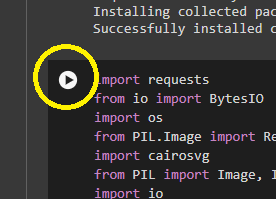 3.2. Wait for the code to execute - you can track its progress at the bottom of your browser

Step 4
4.1. Scroll to the very bottom of the page to view your created map and right click > save when happy, or scroll back up and tweak the variables if it's not right
Real example
The objective: make a player position map for the new Osseous AFK guide.
First we find the Rex Matriarch arena (we've had to scroll across Mej's map to find it):
Next, we add map gridlines on so we know which map chunks to reference:
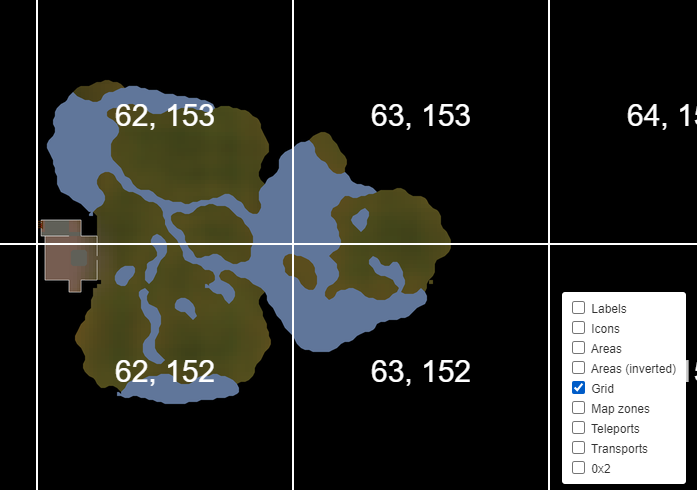
Now we want to reduce the map to just the Osseous arena (highlighted by the yellow box), which crosses multiple map chunks.
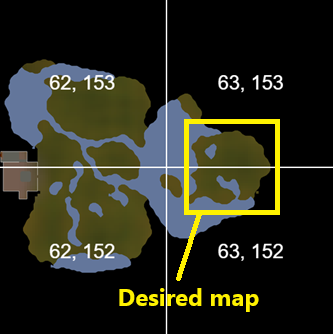
First we set the x and y values to be of the top tile (63,153)
mej_x = 63
mej_y = 153
Next let's make it so 2 tiles are shown vertically
mej_height = 2
mej_width = 1
If we ran the code now, it would give us this:
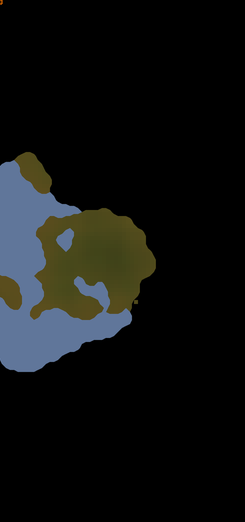
Let's trim off the sides and press the run button to check our map:
left = 1
upper = 43
right = 21
lower = 43
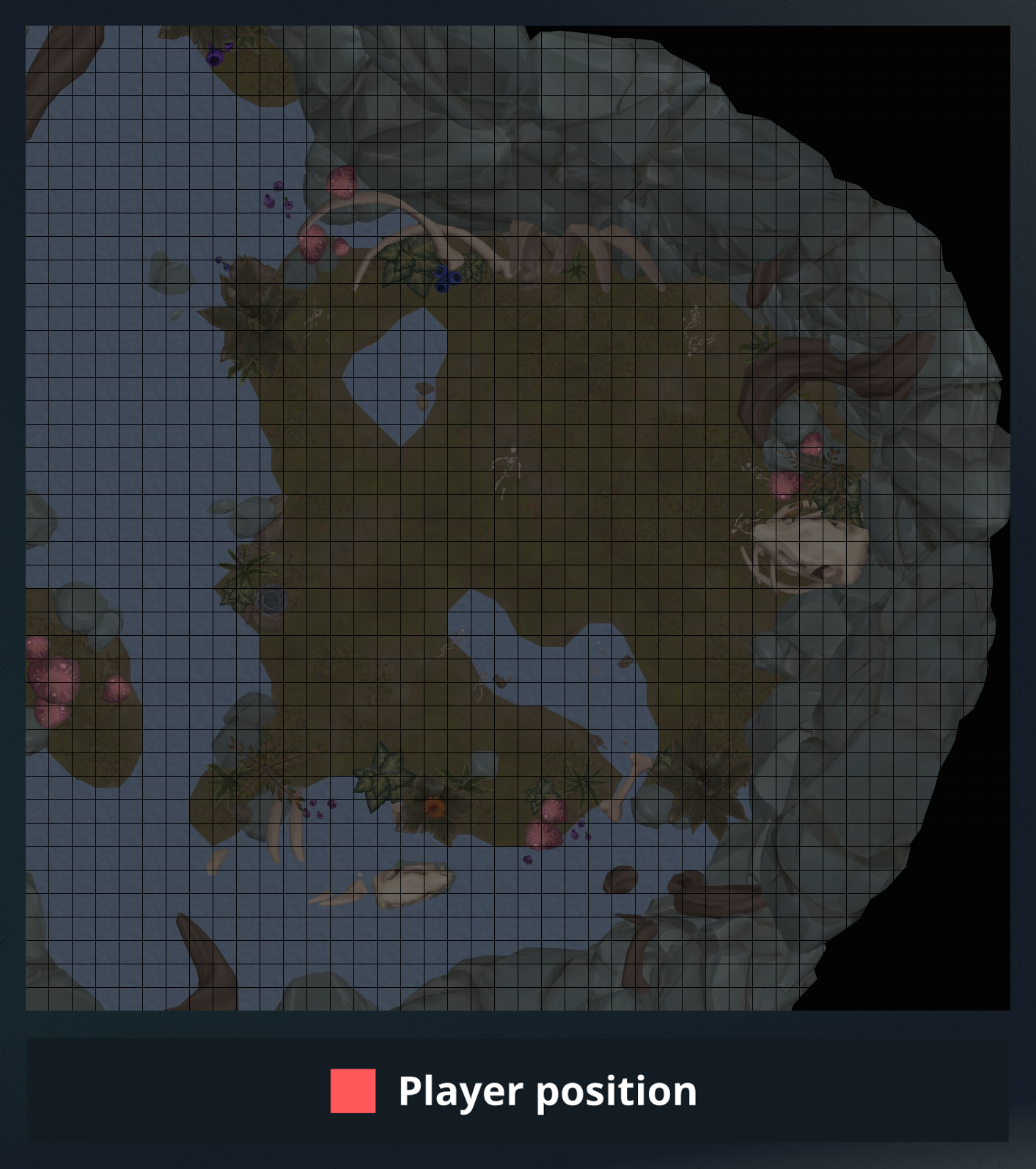
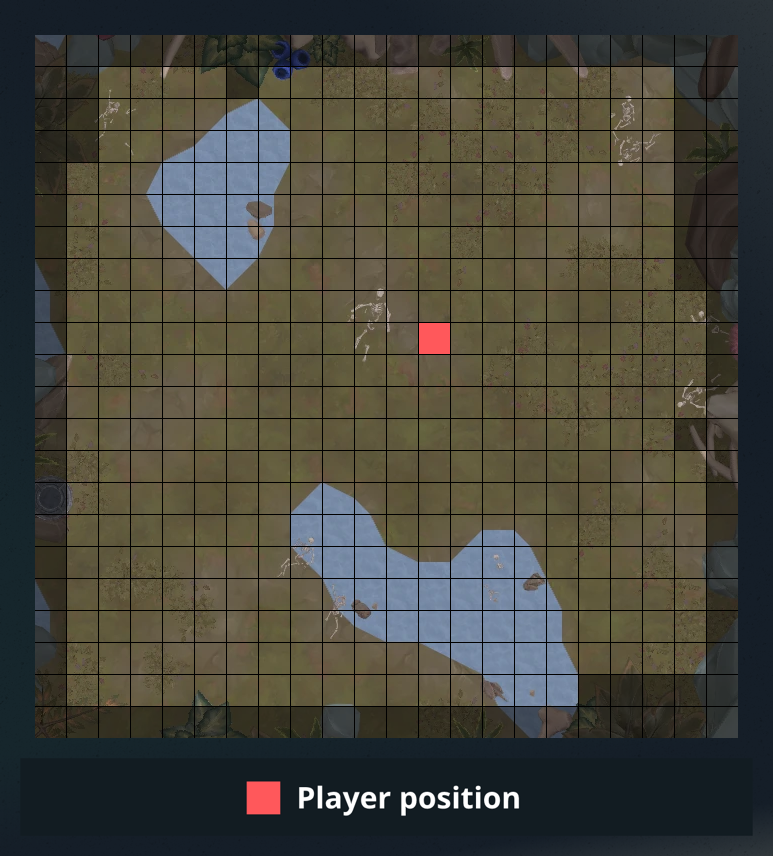
It's almost there! Let's cut off some of that excess map, put a coloured tile for the player position, and set the legend to show just 'player position':
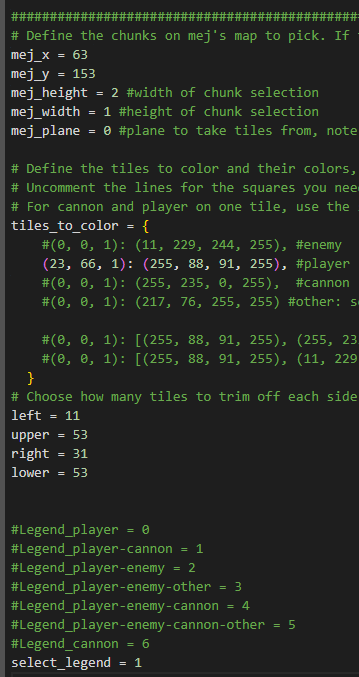
Now let's hit the run button again... we did it!